


What Are the Space Requirements for a Launch Monitor and Home Golf Simulator?
Dreaming of a home golf simulator? Before you buy, make sure your space can handle it—this guide breaks down how much room you’ll really need for every launch monitor type.
If you’re planning a home golf simulator, space is the single most important factor you’ll need to nail down before buying. You can have the best launch monitor in the world, the sharpest projector, and the biggest impact screen, but if your room dimensions don’t fit, none of it works.
That’s why we’ve built this complete guide to launch monitor space requirements. Whether you’re looking at a compact camera-based unit, a powerful radar device, or a premium overhead system, we’ll break down exactly how much room you’ll need to swing freely, track your shots accurately, and enjoy a realistic simulator experience.
By the end, you’ll know:
- The general space specs for all three launch monitor types.
- The specific room dimensions required for today’s most popular models.
- Which tradeoffs you need to weigh between radar, camera, and overhead.
Let’s start with the basics.
General Space Requirements for a Golf Simulator
While every launch monitor is a little different, here’s the rule of thumb:
- Width: 10 feet is the comfortable minimum. That’s enough to swing freely, fit most impact screens, and avoid hitting side walls. If you’re planning a larger enclosure or want room for guests, 12 to 13 feet gives you more breathing space.
- Depth: This depends on the type of launch monitor (we’ll get into the details below). Camera-based units are the most forgiving, radar-based units need the most space, and overheads fall somewhere in between.
- Height: 9 feet is our recommended minimum for most golfers. 10 feet is the “magic number” that lets the majority of players swing a driver without altering their motion. Taller golfers may need even more height.
The best test? Grab your driver, make a slow backswing and follow-through in the intended space, and check that you clear the ceiling and walls comfortably. If you’re swinging with tension, the space isn’t big enough.
Radar vs Camera vs Overhead: Space Differences
Understanding the tech makes it easy to see why space requirements vary.
- Radar launch monitors (Doppler-based) sit behind the ball (usually 6 to 8 feet) and track the first part of the ball’s flight. They also need 8 to 13 feet in front of the ball to measure spin and shot shape. That’s why radar units typically require 16 to 21 feet of total room depth.
- Camera-based (photometric) launch monitors sit beside the ball and capture data right at impact. Because they don’t need a long ball flight, they can work in as little as 10 feet of total depth.
- Overhead launch monitors mount permanently to the ceiling above your hitting area. They require enough ceiling height (9 to 10-plus feet) and a clear hitting zone but don’t add floor clutter. Depth requirements vary, but many setups work with 14 to 18 feet total.
Space Requirements by Launch Monitor
Here are the specific room-size requirements for today’s leading launch monitors:
Camera-Based (Most Space-Efficient)
- Foresight GC3/GC3S/GCQuad/QuadMAX / Bushnell Launch Pro / SkyTrak+ / Uneekor Eye Mini/Eye Mini Lite / Square Golf / Garmin R50
- Width: 10 feet minimum (12 to 13 feet preferred with larger enclosures)
- Depth: 10 feet minimum (enough for full swing plus ball-to-screen buffer).
- Height: 9 feet minimum (10 feet ideal)
Notes: Perfect for tighter spaces like garages and basements. The tradeoff is that righties and lefties can’t share the setup without moving the unit from one side of the ball to the other.
Radar-Based (Need the Most Depth)
- FlightScope Mevo Gen2/Mevo+ / Garmin R10 / Full Swing KIT / Rapsodo MLM2PRO / Swing Caddie SC4 Pro
- Width: 10 feet minimum
- Depth:
- Mevo Gen2/Mevo+: 21 feet
- Garmin R10: 21 feet
- Full Swing KIT: 18 feet
- Rapsodo MLM2PRO: 14.5 feet
- Swing Caddie SC4 Pro: 18 feet
- Height: 9 feet minimum
Notes: Radar excels outdoors and handles righty/lefty play without adjustments. Indoors, depth is the make-or-break factor.
Overhead (Premium, Permanent, Cleanest Setup)
- Foresight Falcon / Uneekor Eye XO/Eye XO2/Eye XR
- Width: 10 feet minimum
- Depth: 14 to 18 feet depending on model and enclosure setup.
- Height: 9 to 10 feet minimum
Notes: Cleanest and most professional option. Huge hitting zones and righty/lefty seamlessness. But expensive and permanent — not portable.
Ceiling Height: The Number One Dealbreaker
No matter which launch monitor you choose, ceiling height can’t be ignored.
Ten feet is the ideal if you’ve got the space.
Nine feet is workable for many or even most golfers, but it won’t be an option for taller golfers or those with long, upright swings.
Some people even get away with as little as 8.5 feet, though that may require you to limit your swings to just irons.
Which Type of Simulator Is Right for You? Radar, Camera, or Overhead?
- Choose camera-based if you’re short on depth or just want the simplest setup. It’s the best space-saving option.
- Choose radar if you’ve got a long room and want ambidextrous group play or outdoor range use. It’s the best for versatility.
- Choose overhead if you’re going all-in on a permanent, professional-quality sim studio with enough ceiling height. It’s the best premium experience.
Do You Have Enough Space for a Golf Simulator?
Before you buy any launch monitor, grab a tape measure and confirm your room’s width, depth, and ceiling height. The space dictates the technology, not the other way around.
The biggest rooms give you the most options. When things start to get tight, that’s when your focus needs to narrow. A short room is going to require a camera-based launch monitor. It’s just that simple. If you try to fight that truth and go with a radar, you’re in for inaccurate numbers and likely frustration.
So, measure first and buy second. If you get this right, your home golf simulator won’t just fit, it’ll feel like it was built exactly for you.
About PlayBetter Golf Reviewer Marc Sheforgen
Marc Sheforgen is a golf writer whose passion for the game far exceeds his ability to play it well. Marc covers all things golf, from product reviews and equipment recommendations to event coverage and tournament analysis. When he’s not playing, watching, or writing about golf, he enjoys traveling (often golf-related), youth sports coaching, volunteering, and record collecting.
 |  SkyTrak+ Golf Launch Monitor & SimulatorFrom $1,995.00 |  |  Square Golf Launch Monitor & SimulatorFrom $699.99 |  Rapsodo MLM2PRO Golf Launch Monitor & SimulatorFrom $699.99 |  FlightScope Mevo Gen2 Golf Launch MonitorFrom $1,299.00 |  Foresight GC3 with LINK Golf Launch Monitor & SimulatorFrom $5,995.00 |  |  | 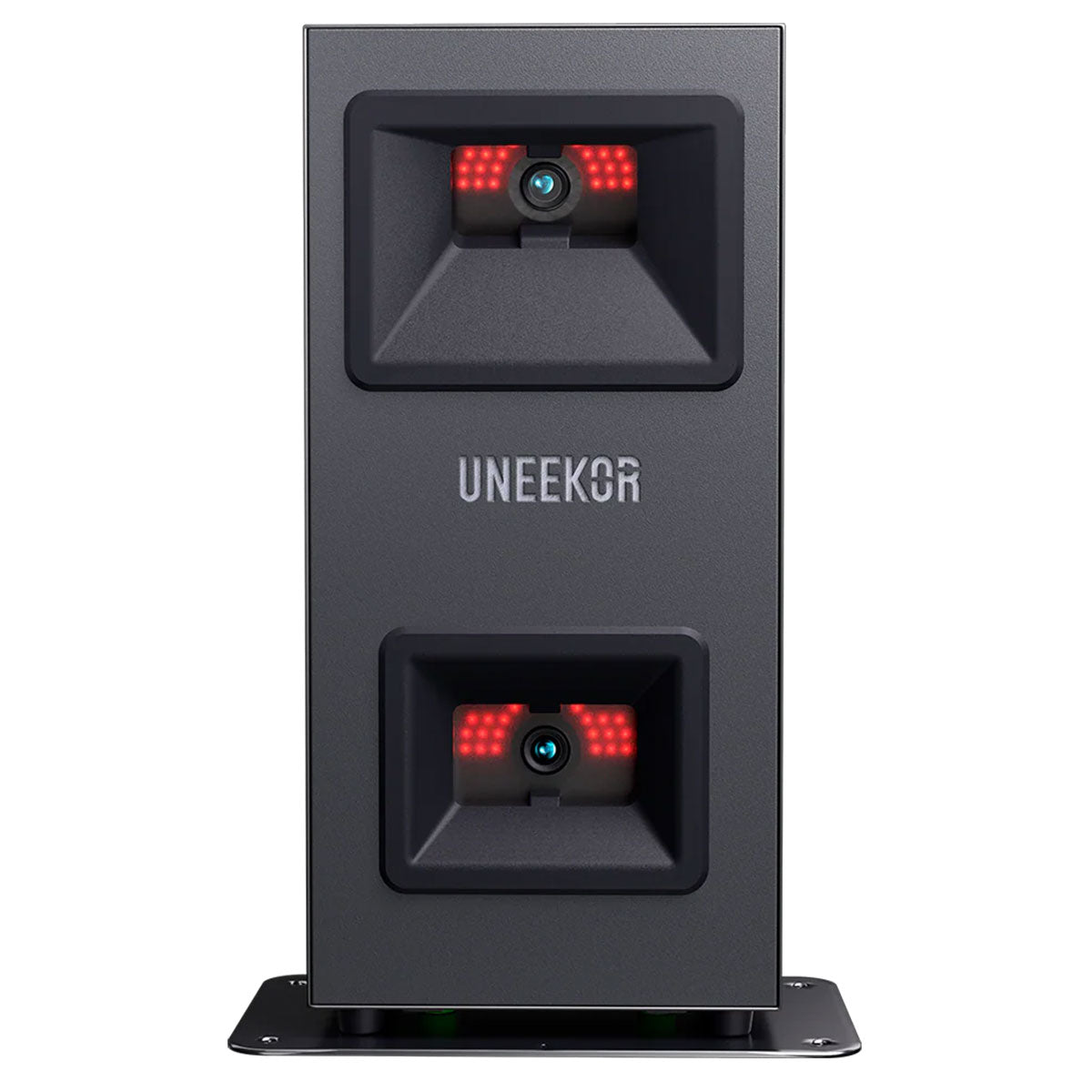 |  Foresight QuadMAX Golf Launch Monitor & SimulatorFrom $19,999.00 |  Foresight GCQuad Golf Launch Monitor & SimulatorFrom $13,649.00 |  Full Swing KIT Golf Launch Monitor & SimulatorFrom $4,999.00 | 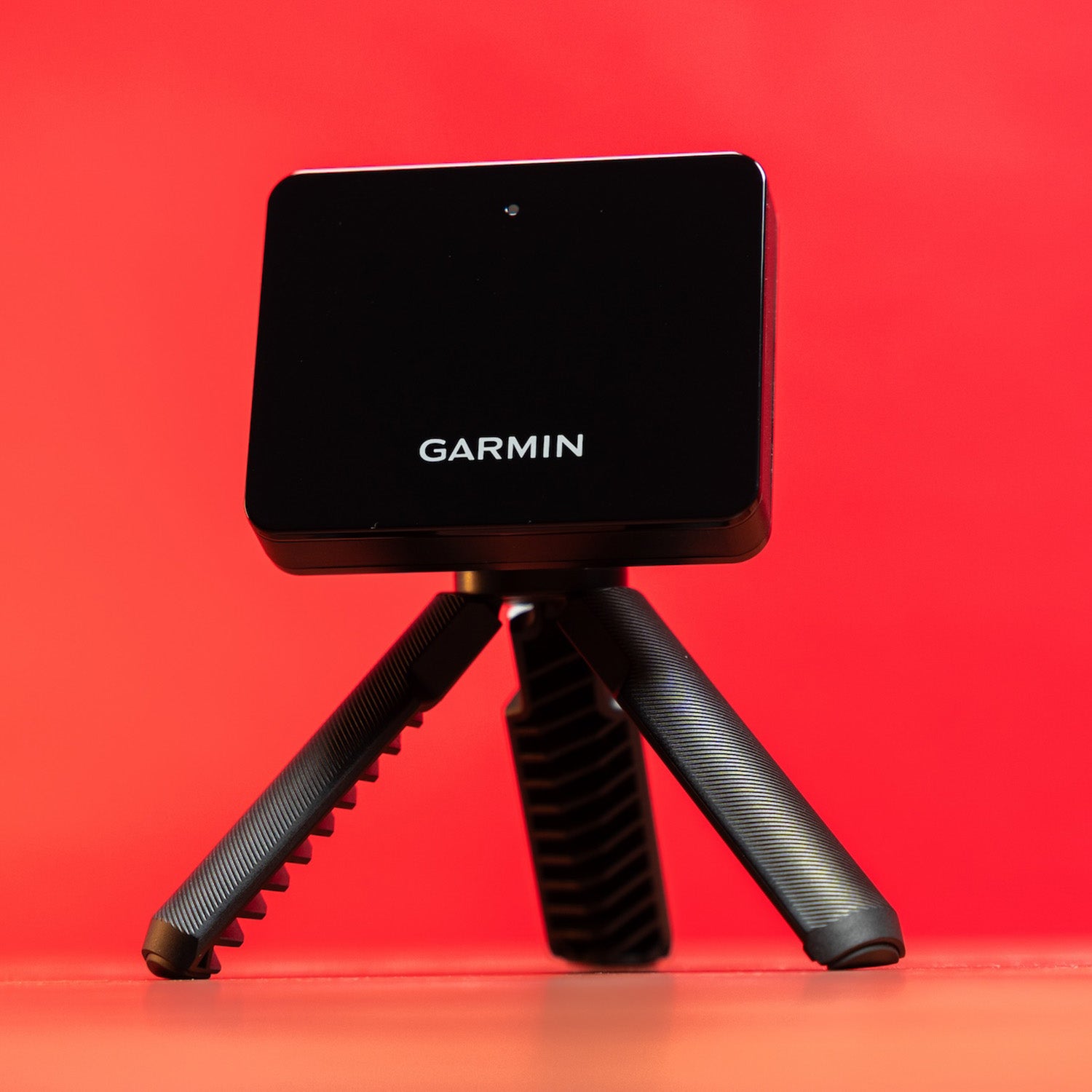 Garmin Approach R10 Portable Golf Launch MonitorFrom $399.99 | 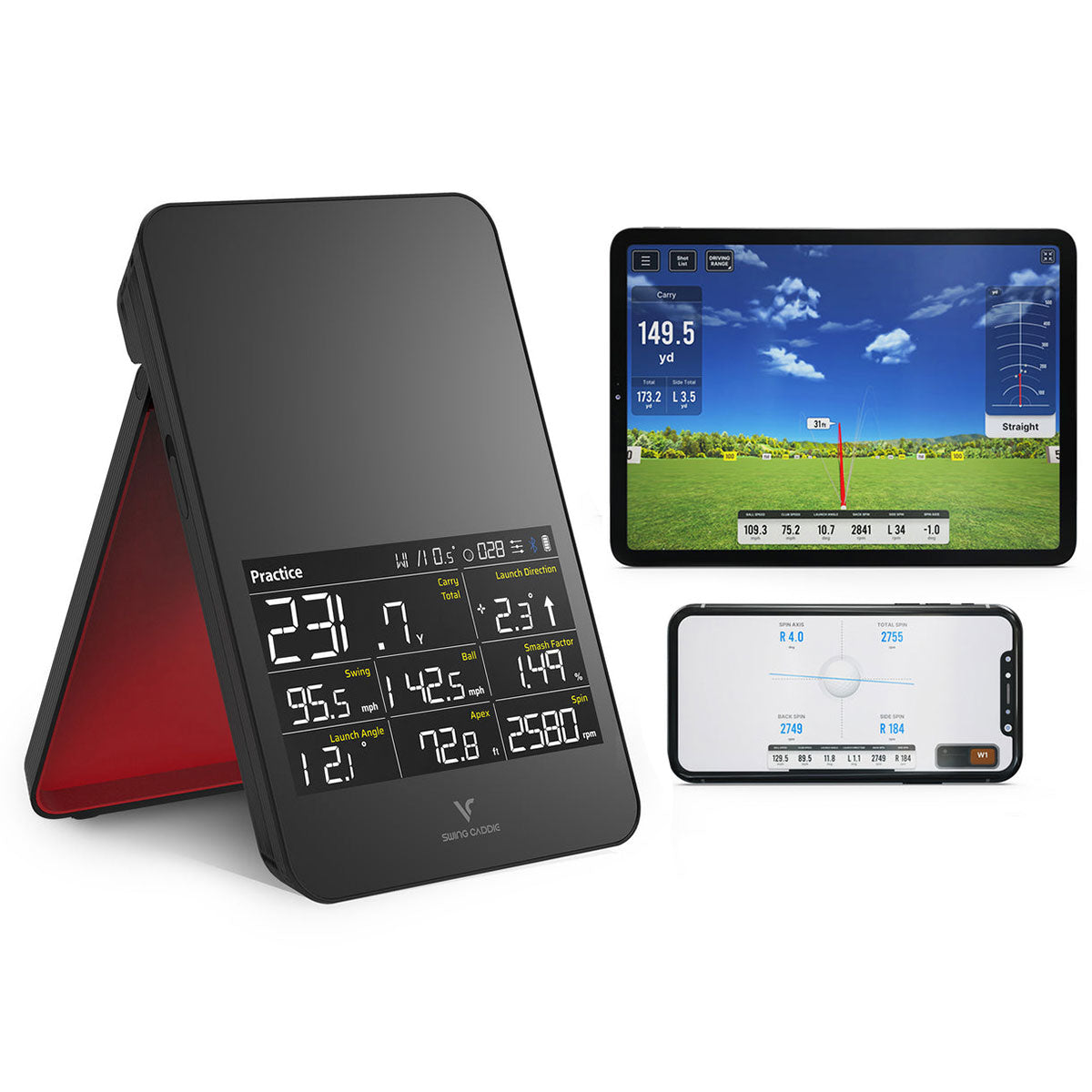 |  | 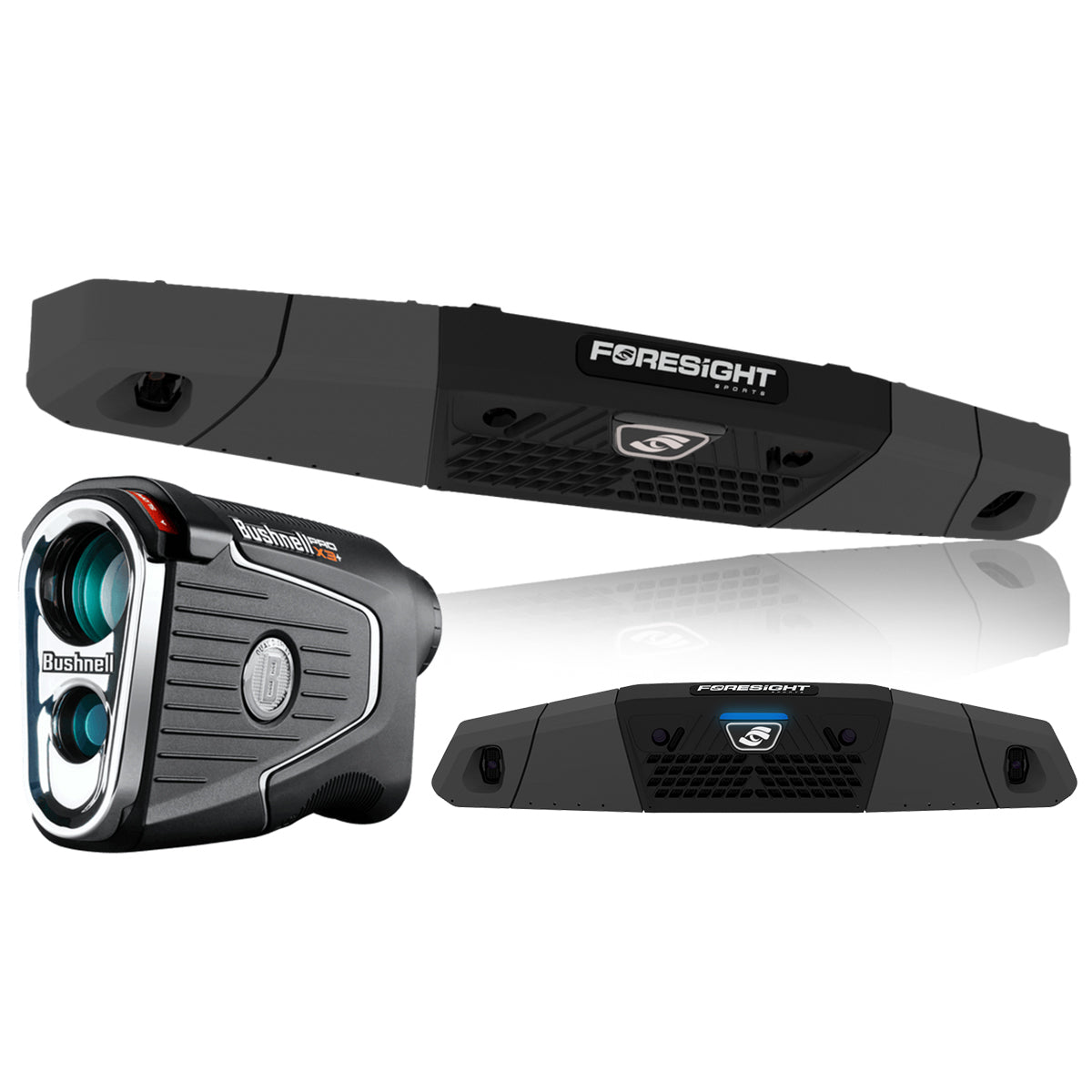 Foresight Falcon Golf Overhead Launch MonitorFrom $13,999.00 | 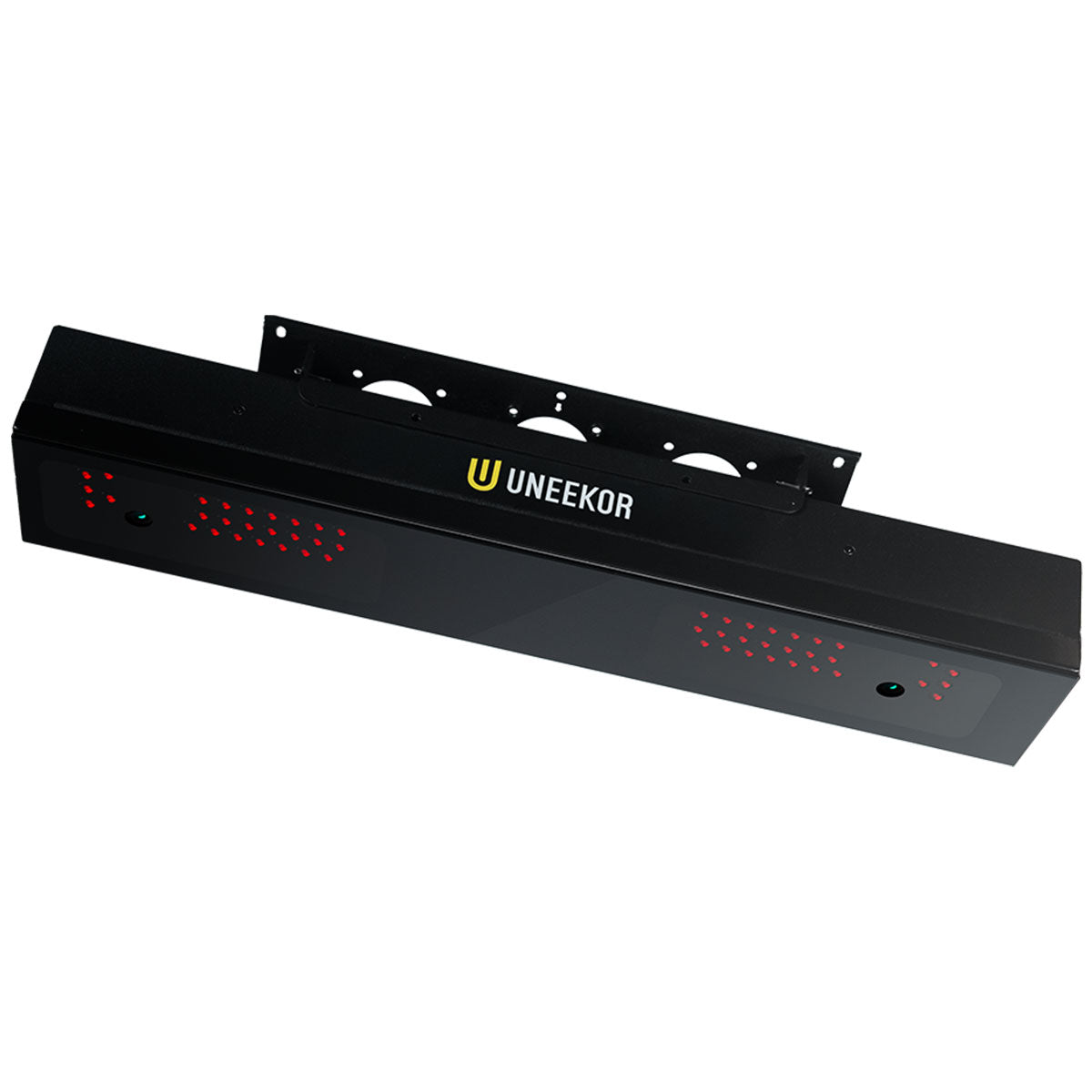 Uneekor EYE XR Golf Launch Monitor & SimulatorFrom $6,999.99 | 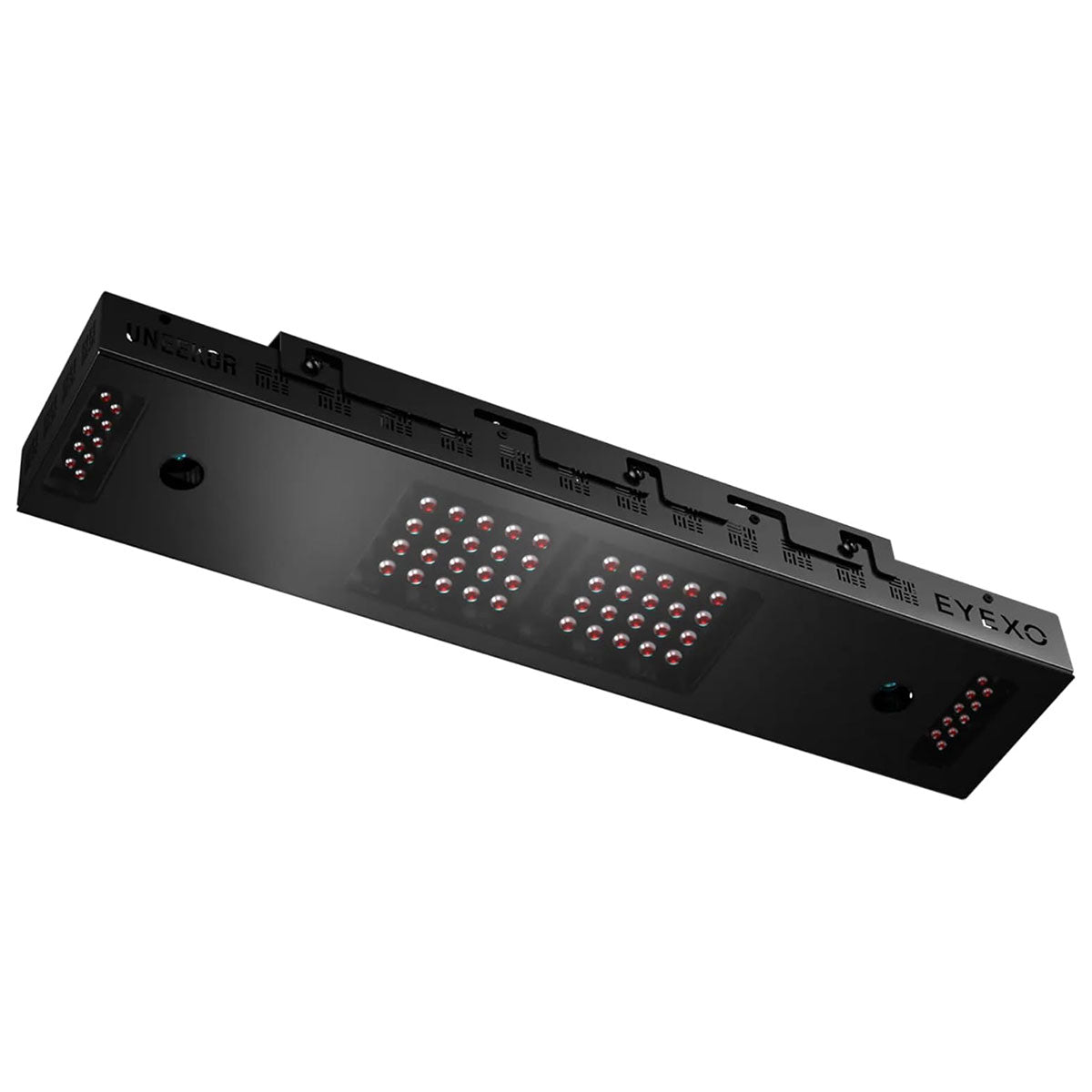 Uneekor EYE XO Golf Launch Monitor & SimulatorFrom $8,000.00 |  Uneekor EYE XO2 Golf Launch Monitor & SimulatorFrom $11,000.00 | |
|---|---|---|---|---|---|---|---|---|---|---|---|---|---|---|---|---|---|---|---|---|
Review Link |
|
|
|
|
|
|
|
|
|
|
|
|
|
|
|
|
|
|
|
|
Overall Rating (Out of 10) |
|
|
|
|
|
|
|
|
|
|
|
|
|
|
|
—
|
—
|
—
|
—
|
—
|
Ease of Setup |
|
|
|
|
|
|
|
|
|
|
|
|
|
|
|
—
|
—
|
—
|
—
|
—
|
Data |
|
|
|
|
|
|
|
|
|
|
|
|
|
|
|
—
|
—
|
—
|
—
|
—
|
Accuracy |
|
|
|
|
|
|
|
|
|
|
|
|
|
|
|
—
|
—
|
—
|
—
|
—
|
Simulation Quality |
|
|
|
|
|
|
|
|
|
|
|
|
|
|
|
—
|
—
|
—
|
—
|
—
|
Price |
|
|
|
|
|
—
|
|
|
|
|
|
|
|
|
|
—
|
—
|
—
|
—
|
—
|
Product |
|
|
|
|
|
|
|
|
|
|
|
|
|
|
|
|
|
|
|
|
Basic Data (Driving Range) |
|
|
|
|
|
|
|
|
|
|
|
|
|
|
|
|
|
|
|
|
Advanced Data & Features |
|
|
|
|
|
|
|
|
|
|
|
|
|
|
|
|
|
|
|
|
Built-In Simulation |
|
|
|
|
|
|
|
|
|
|
|
|
|
|
|
|
|
|
|
|
Product |
|
|
|
|
|
|
|
|
|
|
|
|
|
|
|
|
|
|
|
|
3rd Party Connector Fee |
|
|
|
|
|
|
|
|
|
|
|
|
|
|
|
|
|
|
|
|
GS Pro |
|
|
|
|
|
|
|
|
|
|
|
|
|
|
|
|
|
|
|
|
Awesome Golf |
|
|
|
|
|
|
|
|
|
|
|
|
|
|
|
|
|
|
|
|
E6 Connect |
|
|
|
|
|
|
|
|
|
|
|
|
|
|
|
|
|
|
|
|
E6 Apex |
|
|
|
|
|
|
|
|
|
|
|
|
|
|
|
|
|
|
|
|
The Golf Club |
|
|
|
|
|
|
|
|
|
|
|
|
|
|
|
|
|
|
|
|
WGT |
|
|
|
|
|
|
|
|
|
|
|
|
|
|
|
|
|
|
|
|
Creative Golf |
|
|
|
|
|
|
|
|
|
|
|
|
|
|
|
|
|
|
|
|
FSX |
|
|
|
|
|
|
|
|
|
|
|
|
|
|
|
|
|
|
|
|
Pro Tee |
|
|
|
|
|
|
|
|
|
|
|
|
|
|
|
|
|
|
|
|
Home Tee Hero |
|
|
|
|
|
|
|
|
|
|
|
|
|
|
|
|
|
|
|
|
Product |
|
|
|
|
|
|
|
|
|
|
|
|
|
|
|
|
|
|
|
|
Ball Speed |
|
|
|
|
|
|
|
|
|
|
|
|
|
|
|
|
|
|
|
|
Launch Angle (Vertical) |
|
|
|
|
|
|
|
|
|
|
|
|
|
|
|
|
|
|
|
|
Launch Direction (a.k.a. Side Angle/Horizontal Launch Angle) |
|
|
|
|
|
|
|
|
|
|
|
|
|
|
|
|
|
|
|
|
Spin Rate (Total Spin) |
|
|
|
|
|
|
|
|
|
|
|
|
|
|
|
|
|
|
|
|
Spin Axis (Sometimes Listed as Side Spin/Spin Tilt Axis) |
|
|
|
|
|
|
|
|
|
|
|
|
|
|
|
|
|
|
|
|
Apex Height (a.k.a. Peak Height) |
|
|
|
|
|
|
|
|
|
|
|
|
|
|
|
|
|
|
|
|
Flight Time |
|
|
|
|
|
|
|
|
|
|
|
|
|
|
|
|
|
|
|
|
Descent Angle (a.k.a. Landing Angle, Vertical Descent Angle) |
|
|
|
|
|
|
|
|
|
|
|
|
|
|
|
|
|
|
|
|
Carry Distance |
|
|
|
|
|
|
|
|
|
|
|
|
|
|
|
|
|
|
|
|
Total Distance |
|
|
|
|
|
|
|
|
|
|
|
|
|
|
|
|
|
|
|
|
Roll Distance (a.k.a. Run) |
|
|
|
|
|
|
|
|
|
|
|
|
|
|
|
|
|
|
|
|
Offline from Target (a.k.a. Deviation Distance/Side Total/Dispersion |
|
|
|
|
|
|
|
|
|
|
|
|
|
|
|
|
|
|
|
|
Curve/Shot Shape (a.k.a. Ball Flight Type, Shot Type) |
|
|
|
|
|
|
|
|
|
|
|
|
|
|
|
|
|
|
|
|
Clubhead Speed |
|
|
|
|
|
|
|
|
|
|
|
|
|
|
|
|
|
|
|
|
Smash Factor |
|
|
|
|
|
|
|
|
|
|
|
|
|
|
|
|
|
|
|
|
Angle of Attack |
|
|
|
|
|
|
|
|
|
|
|
|
|
|
|
|
|
|
|
|
Club Path |
|
|
|
|
|
|
|
|
|
|
|
|
|
|
|
|
|
|
|
|
Face Angle |
|
|
|
|
|
|
|
|
|
|
|
|
|
|
|
|
|
|
|
|
Face to Path |
|
|
|
|
|
|
|
|
|
|
|
|
|
|
|
|
|
|
|
|
Dynamic Loft |
|
|
|
|
|
|
|
|
|
|
|
|
|
|
|
|
|
|
|
|
Spin Loft |
|
|
|
|
|
|
|
|
|
|
|
|
|
|
|
|
|
|
|
|
Loft/Lie |
|
|
|
|
|
|
|
|
|
|
|
|
|
|
|
|
|
|
|
|
Closure Rate |
|
|
|
|
|
|
|
|
|
|
|
|
|
|
|
|
|
|
|
|
Low Point |
|
|
|
|
|
|
|
|
|
|
|
|
|
|
|
|
|
|
|
|
Putting Analysis |
|
|
|
|
|
|
|
|
|
|
|
|
|
|
|
|
|
|
|
|
Product |
|
|
|
|
|
|
|
|
|
|
|
|
|
|
|
|
|
|
|
|
Room Depth Required |
|
|
|
|
|
|
|
|
|
|
|
|
|
|
|
|
|
|
|
|
Portable |
|
|
|
|
|
|
|
|
|
|
|
|
|
|
|
|
|
|
|
|
Outside Use |
|
|
|
|
|
|
|
|
|
|
|
|
|
|
|
|
|
|
|
|
Built-In Display |
|
|
|
|
|
|
|
|
|
|
|
|
|
|
|
|
|
|
|
|
Camera-Based or Radar |
|
|
|
|
|
|
|
|
|
|
|
|
|
|
|
|
|
|
|
|
Floor-Based or Overhead |
|
|
|
|
|
|
|
|
|
|
|
|
|
|
|
|
|
|
|
|
Left/Right Handed Friendly |
|
|
|
|
|
|
|
|
|
|
|
|
|
|
|
|
|
|
|
|
Left/Right Adjustment Required |
|
|
|
|
|
|
|
|
|
|
|
|
|
|
|
|
|
|
|
|
Requires Stickers (Ball/Club) |
|
|
|
|
|
|
|
|
|
|
|
|
|
|
|
|
|
|
|
|
Video Playback - Swing |
|
|
|
|
|
|
|
|
|
|
|
|
|
|
|
|
|
|
|
|
Shipping Speed (PlayBetter) |
|
|
|
|
|
|
|
|
|
|
|
|
|
|
|
|
|
|
|
|
Return Policy (PlayBetter) |
|
|
|
|
|
|
|
|
|
|
|
|
|
|
|
|
|
|
|
|
Available on PlayBetter.com |
|
|
|
|
|
|
|
|
|
|
|
|
|
|
|
|
|
|
|
|