Skip to content

ProTee VX

Authorized Dealer PlayBetter is a trusted Authorized Dealer for this brand. All purchases are eligible for full manufacturer warranty protection.
Original price $6,500.00 - Original price $6,500.00
Original price
$6,500.00
$6,500.00 - $6,500.00
Current price $6,500.00

Need Help?

Talk with an expert Need expert advice?

DO NOT ACTIVATE THIS LISTING! FOR BACKEND USE ONLY

Customers Trust PlayBetter.com for Golf Launch Monitors & Simulators

ProTee VX launch monitor delivers instant ball and club data, video replay, ProTee Labs software, righty and lefty support, and wide sim compatibility.

Why shop ProTee VX with PlayBetter.com?

Free 2-Day Shipping

Anywhere in USA. Have it in your hands in 2 business days or less.

Free 30-Day Returns

No Hassle Returns. Either you love it, or you return it.

Customer Delight Team

Our team of experts are here via phone or email if you need help or guidance.

#1 ProTee VX Dealer in U.S.A.

Thousands of happy golfers (and counting).

WHAT'S INCLUDED IN THE BOX?

ProTee VX Golf Launch Monitor

ProTee VX Swing Camera Set

Calibration Board, USB to Ethernet Adapter, UTP Cat6 Network Cable 10m/32', US Power Cord

Trustworthy Results With Powerful A.I.

  • Ball data: carry, total distance, ball speed, spin, launch angle, apex, offline dispersion, descent angle, and more
  • Club data: club speed, path, face angle, face-to-path, attack angle, loft, lie, impact location
  • AI-powered accuracy with instant visual replay
  • Reliable feedback trusted by players and coaches

Ceiling-Mounted Design For A Clean Hitting Area

With its overhead installation, ProTee VX clears the floor of bulky sensors and clutter. The hitting zone stays open for right-handed and left-handed players, making it a smart solution for family setups, teaching studios, or commercial simulators.

  • Seamless for right-handed and left-handed players
  • No recalibration or reconfiguration required
  • Configurable hitting area up to 21" wide x 25" long
  • Perfect for home use, coaching, or commercial simulator bays

No Subscription Fees And Full Simulator Compatibility

ProTee VX unlocks every feature from the moment you power it on. There are no hidden data tiers, recurring costs, or surprise charges. The unit integrates directly with ProTee Golf, TGC 2019, and other leading simulation platforms, giving you access to thousands of courses, online tournaments, and multiplayer play.

  • Perpetual ProTee Labs license included
  • Customizable data panels and instant playback
  • Practice range and clear post-shot layouts
  • Works with GSPro and TGC19; supports E6 Connect and Creative Golf 3D via third-party connector

Trusted Performance For Golfers And Coaches

From home setups to professional teaching environments, ProTee VX has earned a reputation for consistent, reliable performance. Golfers appreciate the photorealistic visuals and accurate ball flight, while coaches rely on the data for lessons, fittings, and training.

  • Club-at-impact replay with spin arrows
  • Option to add full-body swing cameras (sold separately)
  • Slow-motion views capture every detail of your swing
  • Visual feedback helps refine timing, path, and face angle

ProTee VX FAQS

Additional Information on ProTee VX

Computer Requirements

You need a device to run the ProTee VX. Here are the specifications of the device needed.

Minimum:

  • Operating System: 64 Bit Windows 10
  • Processor: Intel Core i7-8xxx @ 3.00GHz
  • Memory: 8 GB RAM
  • Graphics: NVidia RTX 3060
  • Network: Broadband Internet connection
  • Hard Drive: 5 GB available space

Recommended with Golf Gaming Software:

  • Operating System: 64 Bit Windows 10 or 11
  • Processor: Intel Core i9-9xxx @ 3.00GHz or greater
  • Memory: 16 GB RAM or more
  • Graphics: NVidia RTX 3080 or better
  • DirectX: Version 12
  • Network: Broadband Internet connection
  • Hard Drive: 30 GB available space
  • Sound Card: DirectX 12 compatible

Ideal Space Requirements

If hitting 10 feet from the impact screen and the unit will be mounted 9 feet above the hitting area, the unit should be mounted 3 feet 4 inches in front of the hitting area.

If hitting 10 feet from the impact screen and the unit will be mounted 10 feet above the hitting area, the unit should be mounted 3 feet 7 inches in front of the hitting area.

Specs

PlayBetter SimStudio Home Golf Simulation Studio Packages

Get the most out of your launch monitor & simulator with our all-inclusive home golf simulation studio bundle. Everything you need at an incredible value. Delivered to your door for free.

Shop PlayBetter SimStudio Packages

Related Golf Launch Monitor & Simulator Content

PlayBetter Official Golf Launch Monitor Buyer's Guide

If you’re shopping golf launch monitors, this guide is your ground zero. Start here, stay here — we’ve built the full roadmap.

The MOTHER of All Golf Launch Monitor Comparisons

Literally everything you could ever need to know about the top launch monitors & simulators in the game.

Here’s Why It’s a Bad Idea to Cheap Out on a Golf Launch Monitor

Our golf guy Marc explains the differences between budget golf launch monitors and the best ones that you can afford. Because, make no mistake, the differences are big.
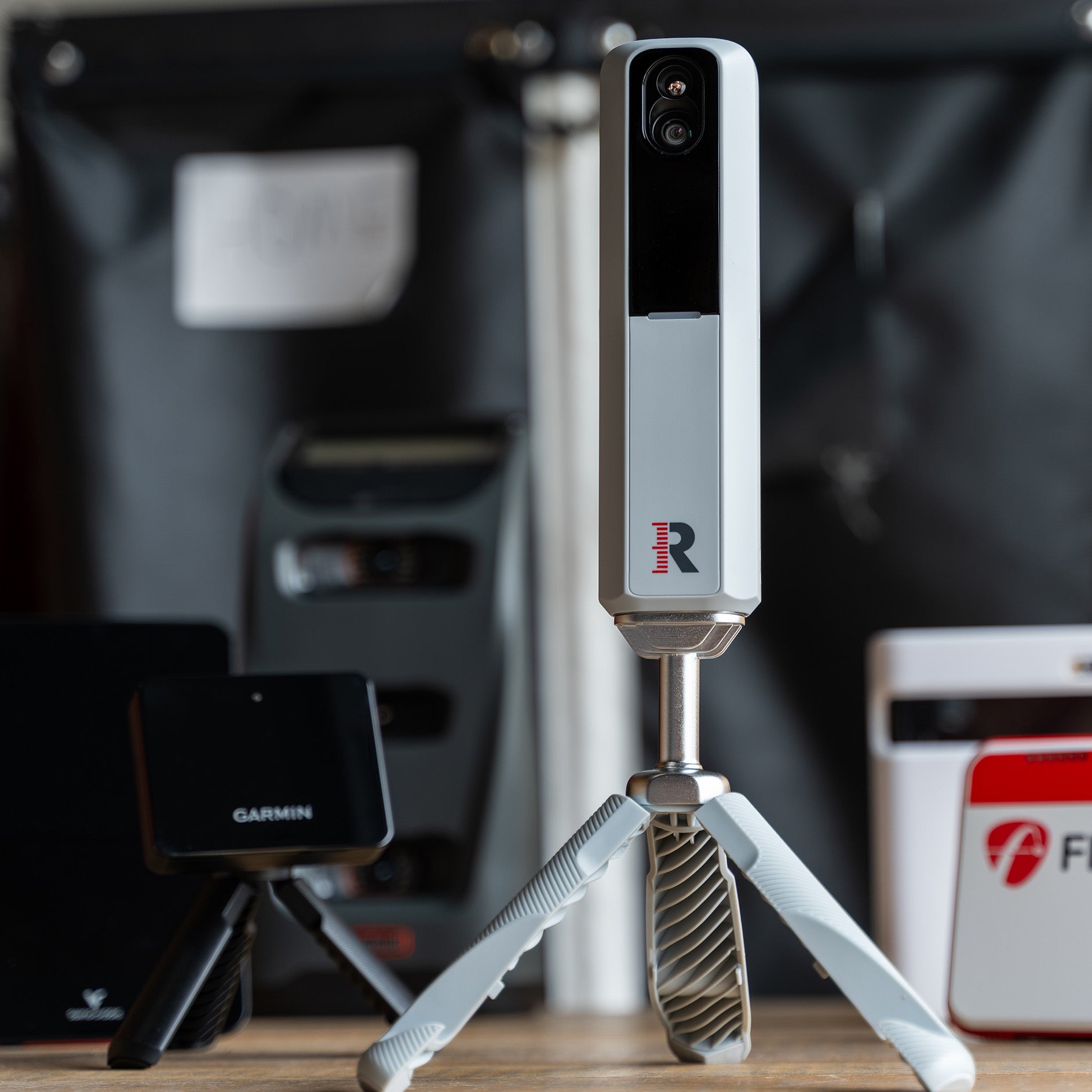
Golf Simulator Reviews – What Actually Matters When You're Shopping

When you're buying something as complex—and as expensive—as a home simulator setup, knowing what to pay attention to can save you time, money, and a lot of frustration.

Golf Simulator Comparisons

rom launch monitors to full studio packages, explore in-depth comparisons, honest reviews, and expert buying guides.

How to Use a Golf Launch Monitor to Improve

If you have a GLM or are thinking about getting one, let our golf writer Marc help you interpret the numbers to help you play better!