


What Is Indoor Golf? Costs, Setup, Simulators & How It Works in 2026
What Is Indoor Golf?
Indoor golf is one of those things that sounds simple on the surface—but once you step into it, you realize just how deep (and honestly, addicting) it can get.
At its core, indoor golf is exactly what it sounds like: bringing the game you love inside. That can mean anything from hitting balls into a net in your garage to playing a full round at a high-end simulator lounge that feels more like a sports bar than a driving range.
It’s really an umbrella term that covers everything—indoor driving ranges, chipping and putting areas, full simulator bays, and even entertainment-focused venues with food, drinks, and league play. Whether you're grinding on your swing or just messing around with friends on a rainy Saturday, it all counts.
How do golf launch monitors & sim software recreate ball flight?
This is where things get cool—and where golf tech really earns its stripes.
Indoor golf works because of launch monitors and simulation software working together. A launch monitor tracks what happens at impact—ball speed, launch angle, direction, spin, and more—using either radar or high-speed cameras. Radar systems sit behind you and track the ball through space, while camera-based systems sit next to or above you and capture impact in insane detail (we’re talking over 100 frames per second).
From there, simulation software takes that data and applies real-world physics—factoring in things like spin rates, trajectory, wind, elevation, even rain—to recreate a ball flight that’s shockingly realistic. You’re not just hitting into a screen… you’re watching your shot play out exactly how it would on the course (sometimes painfully so).
Who is indoor golf for?
One of the best things about indoor golf? It’s for everyone.
If you’re brand new, it’s a low-pressure way to learn the game without worrying about holding up a group or losing a dozen balls. You can take your time, get instant feedback, and actually understand what your swing is doing.
For more experienced players, it becomes a tool—dialing in distances, tightening dispersion, and working on specific parts of your game with data you just can’t get consistently outdoors. And for the truly obsessed (you know who you are), it’s year-round golf, no matter the weather.
Where can you play indoor golf?
You’ve got two main paths here, and both are worth considering.
Commercial indoor golf venues are the easiest entry point. You book a bay, show up, grab a drink, and start playing. These places often combine serious tech with a social atmosphere—great for casual rounds, group events, or even competitive leagues.
Then there’s the home setup route. This can be as simple as a net and a basic launch monitor, or as dialed-in as a full simulator room with a projector, impact screen, and premium tracking system. The beauty of going this route is convenience—your practice time becomes anytime. No drive, no tee times, just you and your swing whenever you want it.
How to play golf indoors
Getting started is easier than you might think.
At a basic level, you set up your hitting area (net or screen), place your launch monitor according to its specs, and connect it to simulation software or an app. From there, you pick a driving range or course, step up, and swing like you normally would.
The system captures your shot, the software processes the data, and just like that—you’re watching your ball fly down a virtual fairway.
It’s not exactly the same as being out on the course—nothing is—but when you pure one and see it tracing right down the middle… it’s close enough to keep you coming back for more.
Commercial Indoor Golf Facilities
Think of commercial indoor golf facilities as the modern clubhouse—just with way more tech and way fewer lost balls.
These spots range from laid-back simulator bars where you can play a casual round with friends, to serious training studios built for dialing in your swing, to full-on entertainment venues that feel more like a night out than a practice session. Some lean heavily into coaching and improvement, while others are all about the vibe—music up, drinks flowing, and a closest-to-the-pin game getting a little too competitive.
You’ve probably seen a few different versions of this already, even if you didn’t realize it.
Examples of commercial indoor golf spaces
Places like Five Iron Golf and X-Golf have really defined the simulator lounge space—multiple bays, high-end tech, leagues, lessons, and a social atmosphere that keeps you hanging around longer than you planned.
Then you’ve got teaching academies, where the focus shifts more toward improvement—less bar, more ball-striking (though let’s be honest, we all need both).
And on the entertainment side, brands like Topgolf and its indoor concept Topgolf Swing Suite blur the line between golf and nightlife. Add in spots like Puttshack and Golfzon Social, and suddenly “going golfing” can feel more like going out.
Is TopGolf indoor?
This one comes up all the time—and the answer is: kind of.
Traditional Topgolf venues are technically outdoor driving ranges, but they’re built with covered, climate-controlled hitting bays. So you’re hitting real balls out into an open range, but you’re doing it from a comfortable, semi-enclosed space. Rain or shine, you’re good to go.
If you’re looking for a fully indoor version, that’s where Topgolf Swing Suite comes in. Those are true indoor simulator setups, usually found in hotels or entertainment complexes, where everything happens on a screen instead of an open range.
Amenities
This is where indoor golf facilities really shine—and why they’re so easy to get hooked on.
Most places aren’t just giving you a hitting bay—they’re giving you an experience. We’re talking full food and drink menus, craft cocktails, TVs everywhere, and a social setup that makes it just as fun for non-golfers.
On the more serious side, many locations offer lessons with teaching pros, club fitting services, and organized leagues. So whether you’re trying to fix that slice that’s been haunting you for years or just looking for a weekly game with friends, it’s all under one roof.
Why are indoor golf facilities popular in cities?
If you’ve ever tried to squeeze in a round of golf in a busy city, you already know the answer.
Indoor golf facilities solve a lot of problems at once. They’re convenient—no long drives to the course, no five-hour rounds. They’re completely weather-proof—rain, snow, brutal heat… doesn’t matter. And maybe most importantly, they turn golf into something social and accessible.
You can pop in after work, play nine holes in under an hour, grab a drink, and still make it home at a reasonable time. For a lot of people, especially in urban areas, that’s the difference between playing golf regularly and not playing at all.
Where can I play indoor golf?
If you’re wondering where to actually find these places, you’ve got more options than you might think.
Start by searching for simulator lounges (like Five Iron Golf or X-Golf), indoor golf clubs, or golf simulator rentals in your area. Teaching academies and club fitting centers often have simulators as well, even if that’s not their main focus.
You’ll also find indoor setups inside hotels, casinos, and entertainment complexes—especially with concepts like Topgolf Swing Suite or Golfzon venues. And if you’re just looking for something fun and different, high-tech mini-golf spots like Puttshack can scratch that golf itch in a totally different way.
Bottom line? Whether you want to grind on your swing or just have a great night out, there’s probably a spot closer than you think—and once you find it, it’s hard not to keep going back.
Where to “try out” your potential home golf launch monitor
Want to try out a launch monitor and its sim software before you buy? Do a local search for it at an indoor golf facility. For example, type in “TruGolf Apogee indoor golf near me”, and you’ll get a list of venues. Many commercial indoor golf venues use the brands we sell at PlayBetter, including:
Home Indoor Golf Setups
Let us say this upfront—what used to feel like a pipe dream is now completely within reach. You don’t need a mansion. You don’t need a trust fund. You just need a little space, a little curiosity, and a willingness to go down one of the most fun rabbit holes in golf.
We’ve been lucky enough to test just about every launch monitor worth talking about and spend time in everything from bare-bones garage setups to full-blown simulator studios you’d swear were private country clubs. And here’s the truth: the magic isn’t in how fancy your setup is—it’s in how often you actually use it.
Overview of Building a Home Simulator Space
At its core, building a home simulator is about answering a few key questions:
- Where is this going? (Garage, basement, spare room?)
- What’s your goal? (Practice, play, entertainment—or all three?)
- Are you going DIY or turnkey?
The good news? There’s no one “right” way to do it. You can piece things together yourself and tailor everything to your space, or go with a complete package that shows up ready to build in an afternoon. Either way, you’re building your own little golf sanctuary.
Types of Setups: Budget Net + Mat vs. Full Simulator Room
This is where things get fun—and personal.
On one end, you’ve got the minimalist setup: a solid hitting mat, a reliable net, and a launch monitor. That alone can completely transform how you practice. No visuals of Pebble Beach, but you’re getting real data and real reps.
On the other end? The full simulator room. Impact screen, projector, enclosure, software—the whole experience. This is where practice meets immersion. You’re not just hitting balls… you’re playing golf.
Most people land somewhere in between. And honestly, that’s the sweet spot.
Who Should Consider a Home Setup
If you’ve ever:
- Wanted to practice more but didn’t have time to get to the range
- Been frustrated by inconsistent feedback on your swing
- Found yourself watching simulator videos thinking, “That would be nice…”
Yeah… this is for you.
It’s especially valuable if you’re the kind of golfer who likes to understand your swing—not just feel it.
How to Practice Golf at Home
This is where a home setup really shines.
You’re no longer guessing. You’re seeing your numbers. Ball speed, launch angle, spin, path—it’s all there. And over time, patterns start to show up. That’s when improvement actually happens.
Just don’t fall into the trap of thinking it’ll fix everything overnight. It won’t. But it will give you the tools to get better faster—if you’re willing to put in the work.
Flexibility: Practice Anytime, No Travel
This might be the most underrated benefit.
No driving to the range. No waiting on a bay. No weather excuses.
It’s 9:30 PM, you’ve got 20 minutes, and you want to work on your wedges? Done.
That kind of access changes your relationship with the game in a big way.
The Equipment Breakdown
Let’s walk through what actually makes this whole thing work—because getting this part right is everything.
What Equipment Is Needed for Indoor Golf?
Launch Monitor
This is the brain of the operation. It tracks your shots and turns swings into data. Get this wrong, and nothing else matters.
Hitting Mat
Don’t overlook this. A bad mat can wreck your joints and give you terrible feedback. You want something that feels realistic and holds up over time.
Net or Impact Screen
Your safety net—literally. Nets are budget-friendly and portable. Impact screens are what bring the full simulator experience to life.
Projector + Software (Optional)
This is what turns practice into play. Pair the right software with a good projector, and suddenly you’re teeing it up anywhere in the world.
Also worth noting: some setups need a gaming PC, others run off a tablet, and a few even work standalone. One even works alone with built-in simulation. Always check system requirements before you buy.

What Are the Different Types of Indoor Golf Simulators?
Camera-Based Systems
- Sit beside the ball
- Great for tighter spaces
- Capture impact with high-speed cameras
Radar-Based Systems
- Sit behind the ball
- Require more room depth
- Excellent for tracking full ball flight
Photometric Overhead Systems
- Mounted above
- Clean, pro-style setup
- Great balance of space efficiency and performance
Each has its place. Your space—and how you plan to use it—will usually make the decision for you.

What Is the Best Indoor Golf Simulator?
This is like asking what the best golf club is—it depends.
The “best” setup comes down to:
- Budget – What are you comfortable spending?
- Space – What can your room realistically handle?
- Accuracy Needs – Casual fun vs. serious game improvement
The right answer is the one that fits your life and actually gets used.
How Much Does an Indoor Golf Simulator Cost?
Here’s the honest breakdown:
- Under $1,000 – Entry-level launch monitors + net/mat setups (basic data)
- $1,000–$5,000 – Solid accuracy, more data, better software options
- $5,000+ – High-end performance, immersive setups
- $10,000+ – Tour-level data, commercial-grade builds
And here’s the thing—most golfers don’t need to go crazy to get real value. There’s a very happy middle ground where performance and price meet.
The Benefits of Playing Indoors
Let’s be honest—there’s nothing like a perfect day on the course. But those days? They’re limited. Weather, time, life… something always gets in the way.
That’s where indoor golf flips the script. It doesn’t replace outdoor golf—but it fills in all the gaps that used to slow your progress (and your fun).
Year-Round Play Regardless of Weather
Rain. Snow. Wind. Darkness at 5 PM.
All the usual excuses? Gone.
With an indoor setup, your season doesn’t end—it just keeps rolling. January wedge sessions. Late-night range work in February. Full rounds when it’s 20 degrees outside.
You stay sharp while everyone else is shaking off rust come spring.
Time Efficiency vs. Traditional Golf
Let’s talk reality.
A full round of golf can eat up 4–5 hours. Even a range session turns into a whole outing when you factor in the drive, warm-up, and waiting.
Indoor golf? It’s on your schedule.
You can:
- Hit 50 focused shots in 20 minutes
- Play 9 holes in under an hour
- Work on one specific part of your game without distractions
It’s not just convenient—it’s efficient in a way traditional golf rarely is.
Immediate Feedback and Data Tracking
This is where things start to separate indoor golf from just “hitting balls.”
Every swing gives you feedback:
- Ball speed
- Launch angle
- Spin rates
- Club path and face (depending on your setup)
No more guessing why that shot sliced or came up short. You know. And over time, you start to see patterns—the good, the bad, and the ones you didn’t even realize were there.
It’s like having a coach who never misses a rep.
Great for Skill Improvement
Here’s the truth: improvement comes from awareness and repetition.
Indoor golf gives you both.
You’re able to:
- Groove swings with purpose
- Test changes and immediately see results
- Track progress over time
But let’s keep it real—it’s not magic. It won’t fix your swing overnight. What it will do is give you the clearest possible picture of what’s happening. From there, it’s on you.
And if you’re the type who enjoys the process? This is where things get really fun.
Social + Entertainment Value
Now let’s not pretend this is all grind and no play.
Indoor golf is an absolute blast with other people:
- Play full rounds with friends
- Run closest-to-the-pin competitions
- Mix in non-golfers who just want to take a few swings
It turns your space into something more than a practice area—it becomes a hangout spot.
And yeah… you’ll probably start calling it “the lab.”

Convenience vs. Outdoor Rounds
This is really what it all comes down to.
Outdoor golf will always have its place. The walk, the course, the unpredictability—that’s the soul of the game.
But indoor golf? That’s access.
It’s the ability to:
- Practice when you want
- Play when you want
- Improve on your terms
And when you combine the two—consistent indoor work with real-world rounds—you start to see why so many golfers are going this route.
Because the more you can play, the more you can improve.
And the more you improve… the more fun this whole game becomes.
Ceiling Height for Indoor Golf
Let’s save you from one of the most common heartbreaks in sim golf: realizing your ceiling is just a little too low after you’ve already bought everything.
Recommended Minimum Ceiling Height
Most golfers are safe in the 8.5 to 10-foot range.
If you’re taller or have a long, aggressive swing… lean closer to 10 feet.
Factors That Affect Needed Height
- Your height
- Your swing (flat vs. upright)
- Club length (driver is the real test)
Tips for Testing Your Space Safely
Before buying anything:
- Grab your driver
- Take full swings in the space
- Account for follow-through (not just backswing)
And yes—do it more than once. Maybe even on a “loose” swing day.
How Much Room Do You Need?
This is where dreams either come together… or get a reality check.

Typical Indoor Golf Space Requirements
As a general rule of thumb:
- Camera-based setups: ~10’ W x 10’ D x 9’ H
- Radar-based setups: ~10’ W x 18–21’ D x 9’ H
- Overhead setups: ~10’ W x 14’ D x 10’ H
Ideal vs. Minimum Dimensions
Minimum works. Ideal feels comfortable.
If you can go wider or deeper, do it. You’ll appreciate the extra breathing room every single swing.
Layout Considerations (Right vs. Left-Handed Players)
If it’s just you, life is easy.
If you’ve got both righties and lefties using the space:
- You may need a centered hitting area
- Or a system that doesn’t require repositioning
This can impact your launch monitor choice more than you’d think.
Safety Spacing Around the Swing Area
Give yourself buffer space:
- Behind you (backswing)
- In front (follow-through and ball flight)
- To the sides (especially with friends involved)
Because nothing kills the vibe faster than a ricochet off the garage door.
At the end of the day, building a home indoor golf setup is part strategy, part creativity, and part “let’s just make this work.”
And once it’s up and running? You’ll wonder how you ever lived without it.
How Long Does It Take?
If you’ve ever walked off the 18th green thinking, “That took way longer than it should have,” you’re not alone.
Time is one of the biggest barriers to playing more golf. And it’s exactly where indoor golf quietly becomes a game-changer.
How Long Does Indoor Golf Take?
Short answer? As long—or as short—as you want it to.
That’s the beauty of it.
You’re not committing to a full afternoon. You’re not working around tee times. You’re just… walking into your space and hitting shots.
Simulator Round at Home vs. Traditional 18-Hole Round
Let’s put it side by side:
- Traditional 18 holes: 4 to 5 hours (and that’s on a good day)
- Indoor simulator round: ~1 to 2 hours
No waiting on groups. No searching for balls. No slow play creeping into your rhythm.
You’re hitting, getting your feedback, and moving on. It’s golf—just without all the built-in delays.
Time Breakdown
Practice Sessions at Home (15–45 minutes)
This is where indoor golf really shines.
Got 20 minutes? You can:
- Dial in your wedges
- Work on ball striking
- Run through a focused practice plan
No wasted time. Just reps with purpose.
18-Hole Simulator Rounds (1–2 hours)
When you want to play, not just practice, you still don’t need to block off half your day.
A full round indoors moves quickly because:
- There’s no walking between shots
- No waiting on other groups
- No lost balls or course delays
It’s a clean, efficient version of the game we love.
The Real Benefit: Faster, More Efficient Play at Home
This is what it all comes down to.
Indoor golf fits into your life instead of demanding that you rearrange your life around it.
You can:
- Sneak in a quick session before dinner
- Play a full round after work
- Practice consistently without sacrificing hours
And here’s the part most people don’t realize until they have it:
more reps + less time = faster improvement.
You’re simply able to do more golf… more often.
And once you get used to that? Standing on a crowded tee box waiting 10 minutes to hit suddenly feels a lot less appealing.
PlayBetter Can Help You Build Your Indoor Golf Setup Your Way
The beauty of indoor golf in 2026 is that there’s no single “right” way to do it—just the right way for you. Whether you’re chasing elite-level data, all-in-one convenience, or just a ridiculously fun space to tee it up with friends, there’s a launch monitor that fits perfectly into your dream setup.
Pair any of the options below with one of our PlayBetter SimStudio™ turnkey solutions—from the fully loaded COMPLETE package to the flexible BYO builder—and you’ve got everything you need to bring your indoor golf vision to life.
Dialed-In Pairings for Every Type of Golfer
For the ultimate, no-compromises simulator studio
If you’re building out a premium space with the SimStudio™ COMPLETE or a fully customized BYO setup, the Foresight GCQuad is about as good as it gets. It’s trusted by the best players in the world for a reason—unmatched accuracy, elite data, and zero subscription fees. This is the centerpiece for a true high-end golf studio.
For the easiest, most convenient simulator experience
If simplicity matters most, it’s hard to beat the Garmin Approach R50. Pair it with any SimStudio package—even the ESSENTIALS—and you’ve got a plug-and-play simulator that works without a PC. Built-in simulation, HDMI output, and optional Home Tee Hero access make this the most streamlined setup in indoor golf.
For budget-conscious indoor-only setups that still deliver
The Bushnell LPi paired with the SimStudio ESSENTIALS or BYO package is a smart way to get high-quality photometric data without overspending. If you know your setup is staying indoors, this is one of the best value plays out there.
For fun, social simulator nights (and competitive games)
If your goal is entertainment as much as improvement, the SkyTrak+ is a perfect match—especially with the COMPLETE or SportScreen Vanish setup. It’s fast, intuitive, packed with game modes, and ideal for groups. This is the “have friends over and don’t stop playing” option.
For the best value under $1,000
Just getting started? The Square Golf Launch Monitor with a SimStudio BYO package is one of the most affordable ways to build a legit home simulator. No subscriptions, impressive short game performance, and a price point that makes indoor golf more accessible than ever.
For a clean, overhead, permanent simulator build
If you’re going all-in on a dedicated space, the ProTee VX is a compelling option—especially with a COMPLETE or custom BYO build. Overhead systems simplify everything (no moving units for lefties/righties), and at its price point, the VX makes that premium experience more attainable.
For data-driven golfers who want room to grow
The Uneekor Eye Mini fits beautifully into ESSENTIALS or COMPLETE setups for players focused on improvement. It delivers rich data, strong software, and a platform that continues to evolve—just be ready to factor in the annual subscription.
The Bottom Line
No matter which direction you go, pairing the right launch monitor with the right SimStudio™ package is what turns a setup into an experience.
- Want tour-level precision? Go GCQuad.
- Want ultimate convenience? R50.
- Want fun and flexibility? SkyTrak+.
- Want value? Square or LPi.
- Want a permanent, premium space? ProTee VX.
- Want data + development? Eye Mini.
The common thread? Every one of these setups brings golf home in a way that simply wasn’t possible a few years ago.
Now it’s just a matter of deciding how you want to play.
 |  |  |  Foresight GCQuad Golf Launch Monitor & SimulatorFrom $15,999.00 | 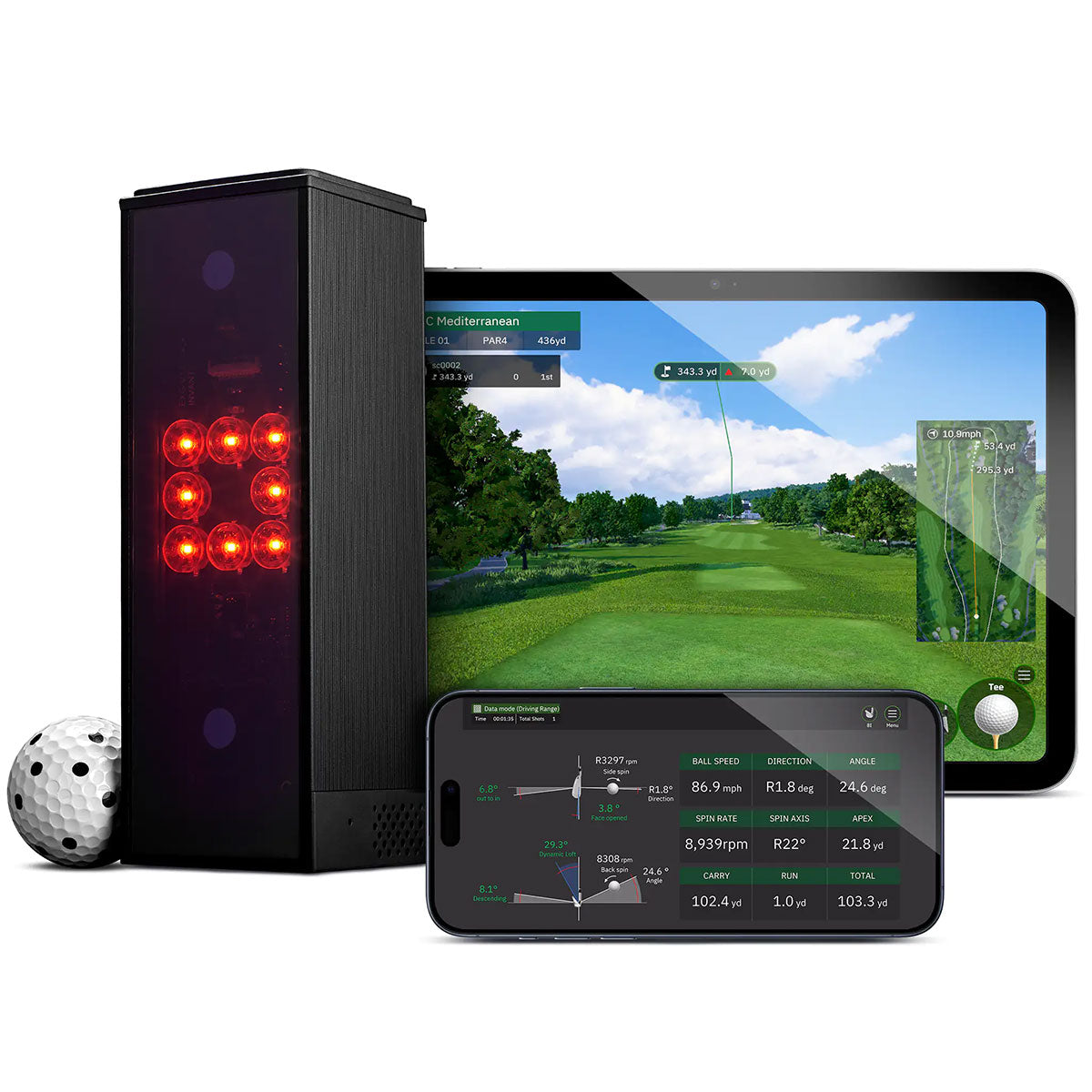 Square Golf Launch Monitor & SimulatorFrom $699.99 |  Rapsodo MLM2PRO Golf Launch Monitor & SimulatorFrom $599.99 | 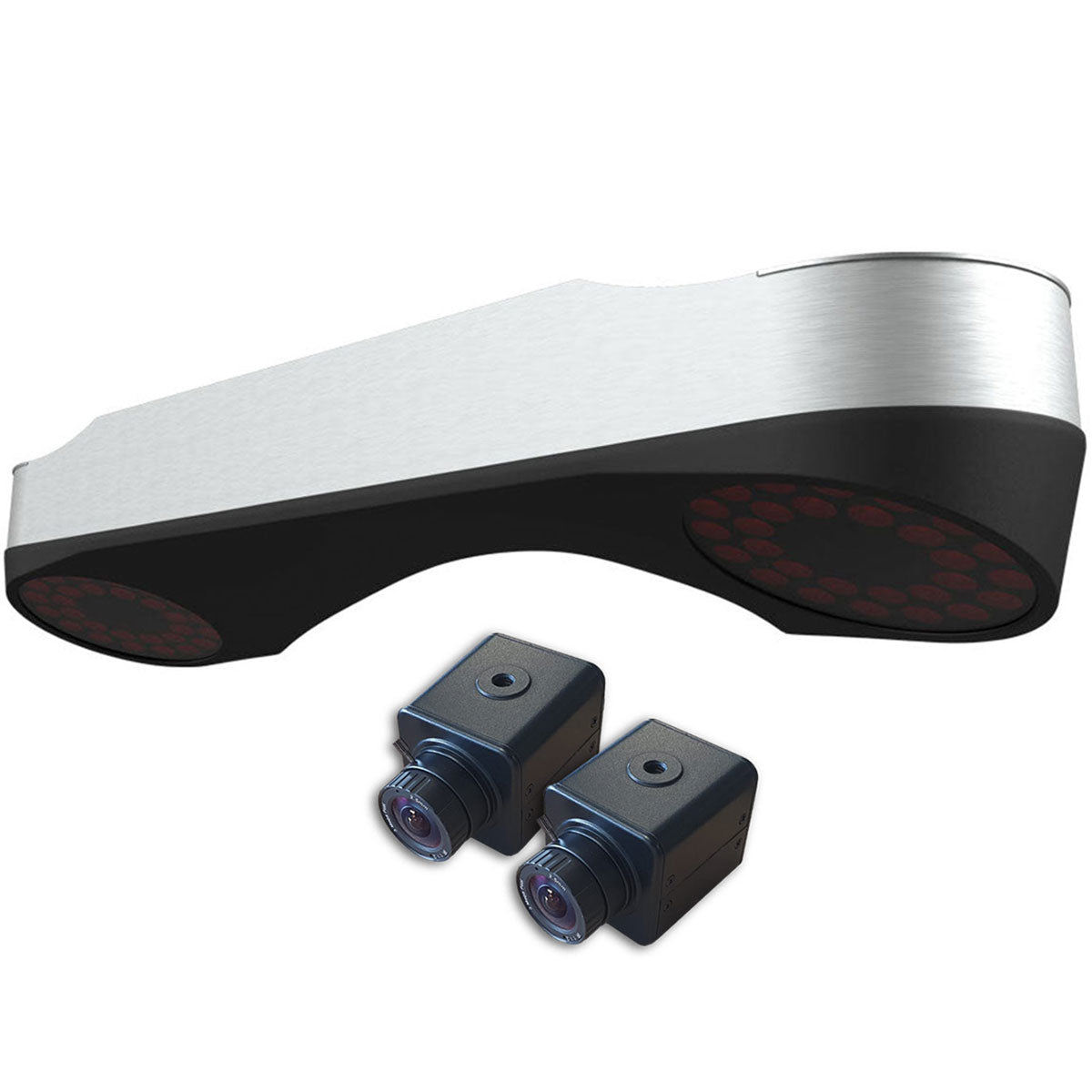 ProTee VX Golf Launch Monitor$6,500.00 | 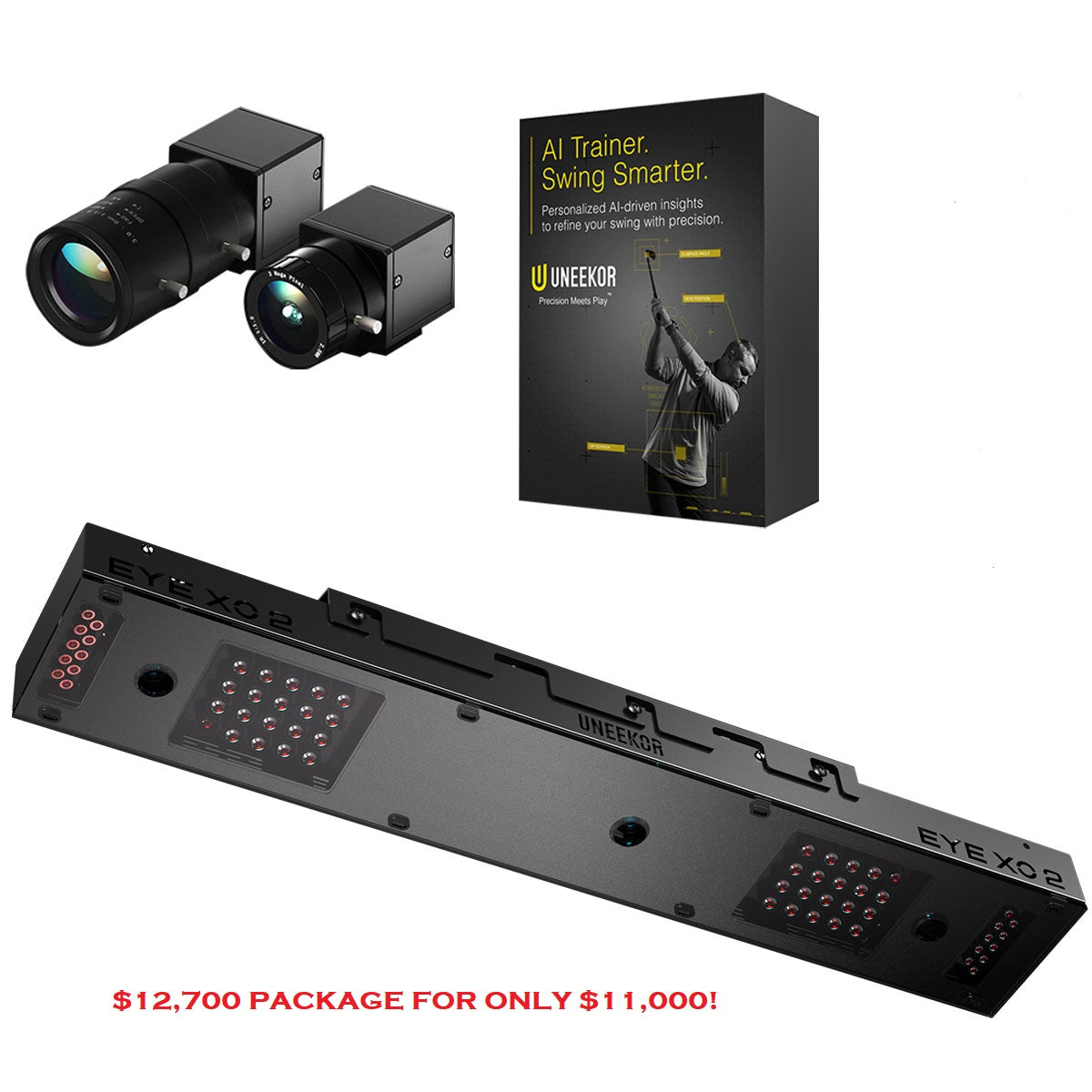 | |
|---|---|---|---|---|---|---|---|---|
Review Link |
|
|
|
|
|
|
|
|
Overall Rating (Out of 10) |
|
|
|
|
|
|
—
|
—
|
Ease of Setup |
|
|
|
|
|
|
—
|
—
|
Data |
|
|
|
|
|
|
—
|
—
|
Accuracy |
|
|
|
|
|
|
—
|
—
|
Simulation Quality |
|
|
|
|
|
|
—
|
—
|
Price |
|
|
|
|
|
|
—
|
—
|
Product |
|
|
|
|
|
|
|
|
Basic Data (Driving Range) |
|
|
|
|
|
|
|
|
Advanced Data & Features |
|
|
|
|
|
|
|
|
Built-In Simulation |
|
|
|
|
|
|
|
|
Product |
|
|
|
|
|
|
|
|
3rd Party Connector Fee |
|
|
|
|
|
|
|
|
GS Pro |
|
|
|
|
|
|
|
|
Awesome Golf |
|
|
|
|
|
|
|
|
E6 Connect |
|
|
|
|
|
|
|
|
E6 Apex |
|
|
|
|
|
|
|
|
The Golf Club |
|
|
|
|
|
|
|
|
WGT |
|
|
|
|
|
|
|
|
Creative Golf |
|
|
|
|
|
|
|
|
FSX |
|
|
|
|
|
|
—
|
|
Pro Tee |
|
|
|
|
|
|
|
|
Home Tee Hero |
|
|
|
|
|
|
|
|
Product |
|
|
|
|
|
|
|
|
Ball Speed |
|
|
|
|
|
|
|
|
Launch Angle (Vertical) |
|
|
|
|
|
|
|
|
Launch Direction (a.k.a. Side Angle/Horizontal Launch Angle) |
|
|
|
|
|
|
|
|
Spin Rate (Total Spin) |
|
|
|
|
|
|
|
|
Spin Axis (Sometimes Listed as Side Spin/Spin Tilt Axis) |
|
|
|
|
|
|
|
|
Apex Height (a.k.a. Peak Height) |
|
|
|
|
|
|
|
|
Flight Time |
|
|
|
|
|
|
|
|
Descent Angle (a.k.a. Landing Angle, Vertical Descent Angle) |
|
|
|
|
|
|
|
|
Carry Distance |
|
|
|
|
|
|
|
|
Total Distance |
|
|
|
|
|
|
|
|
Roll Distance (a.k.a. Run) |
|
|
|
|
|
|
|
|
Offline from Target (a.k.a. Deviation Distance/Side Total/Dispersion |
|
|
|
|
|
|
|
|
Curve/Shot Shape (a.k.a. Ball Flight Type, Shot Type) |
|
|
|
|
|
|
|
|
Clubhead Speed |
|
|
|
|
|
|
|
|
Smash Factor |
|
|
|
|
|
|
|
|
Angle of Attack |
|
|
|
|
|
|
|
|
Club Path |
|
|
|
|
|
|
|
|
Face Angle |
|
|
|
|
|
|
|
|
Face to Path |
|
|
|
|
|
|
|
|
Dynamic Loft |
|
|
|
|
|
|
|
|
Spin Loft |
|
|
|
|
|
|
|
|
Loft/Lie |
|
|
|
|
|
|
|
|
Closure Rate |
|
|
|
|
|
|
|
|
Low Point |
|
|
|
|
|
|
|
|
Putting Analysis |
|
|
|
|
|
|
|
|
Product |
|
|
|
|
|
|
|
|
Room Depth Required |
|
|
|
|
|
|
|
|
Portable |
|
|
|
|
|
|
|
|
Outside Use |
|
|
|
|
|
|
|
|
Built-In Display |
|
|
|
|
|
|
|
|
Camera-Based or Radar |
|
|
|
|
|
|
|
|
Floor-Based or Overhead |
|
|
|
|
|
|
|
|
Left/Right Handed Friendly |
|
|
|
|
|
|
|
|
Left/Right Adjustment Required |
|
|
|
|
|
|
|
|
Requires Stickers (Ball/Club) |
|
|
|
|
|
|
|
|
Video Playback - Swing |
|
|
|
|
|
|
|
|
Shipping Speed (PlayBetter) |
|
|
|
|
|
|
|
|
Return Policy (PlayBetter) |
|
|
|
|
|
|
|
|
Available on PlayBetter.com |
|
|
|
|
|
|
|
|